
Boccia Training App: 9 Tools That Sharpen Your Accuracy
Polska wersja: Aplikacja treningowa do bocci.
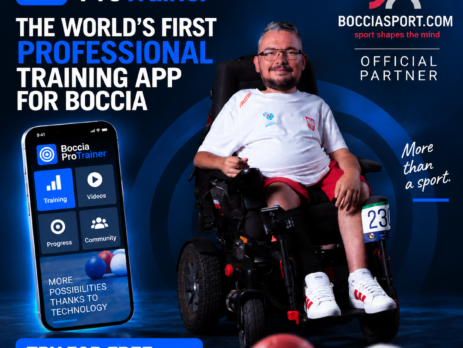
A boccia training app is no longer a gadget for data nerds. If you train two or three times a week and keep your results in a notebook, you are probably losing the most valuable information of all: not how many shots landed well, but where and when they stop landing well.
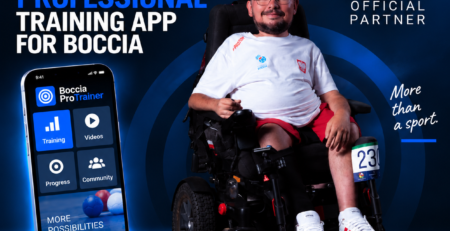
We went through Boccia ProTrainer module by module. It was written by Jaroslaw Plewa, a BC3 player on the Polish national team, which shows in details no agency would think of. Here is what it measures, who it suits, and what it will not do for you.
Contents
- What a boccia training app actually changes
- Boccia training app in practice: dashboard and sessions
- Shot Log and Heatmap: what a boccia training app measures
- BC3 tools: ramp calibration and ballistic calculator
- Eight-week plan, Drill Builder and 200+ BC1–BC4 drills
- Match day: tracker, Clutch Play, Opponent Intel
- Wellness Check: when to cut the volume
- Notebook or a boccia training app?
- How to start with a boccia training app in 15 minutes
- What it will not do for you
- FAQ
What a boccia training app actually changes
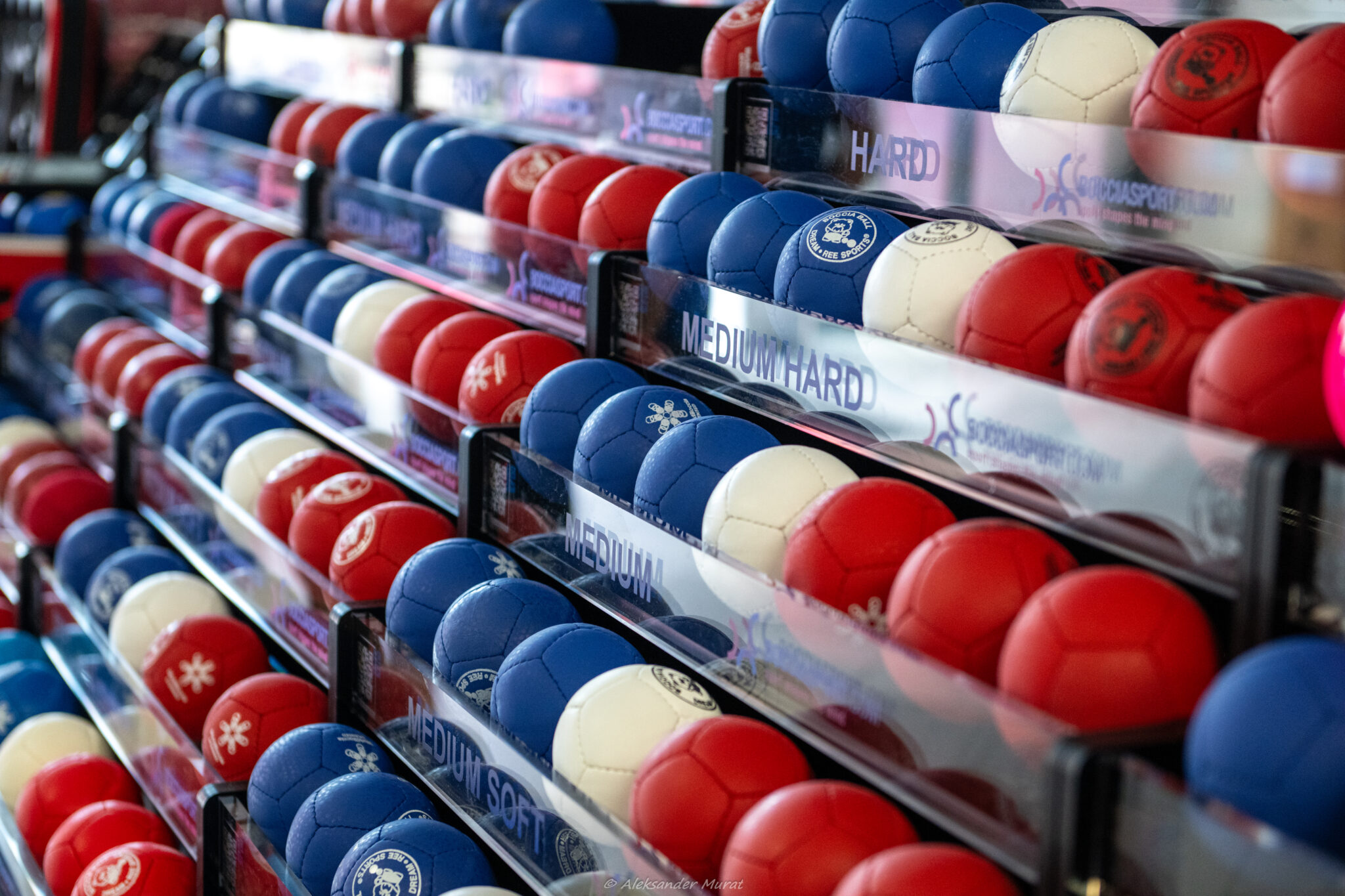
Boccia is a sport of millimetres. The difference between a ball resting 12 cm from the jack and one resting 35 cm away is usually the difference between winning and losing the end. The problem is that human memory does not store centimetres — it stores the emotion of the last three throws.
A good boccia training app does three things a sheet of paper cannot: it records deviation in centimetres, ties that number to a distance and a shot type, and then shows the trend over time. Only then does it become obvious that your 6 m shot with ball number 4 lands 40 cm long on average, while you have spent six months drilling at 3 m because that range feels comfortable.
Boccia training app in practice: dashboard and sessions
After logging in you get a dashboard with five cards: the next session from your calendar, progress towards your first full analysis, your active goal, today readiness score, and a seven-day week bar. An empty dashboard states honestly what is missing instead of faking data that does not exist yet.
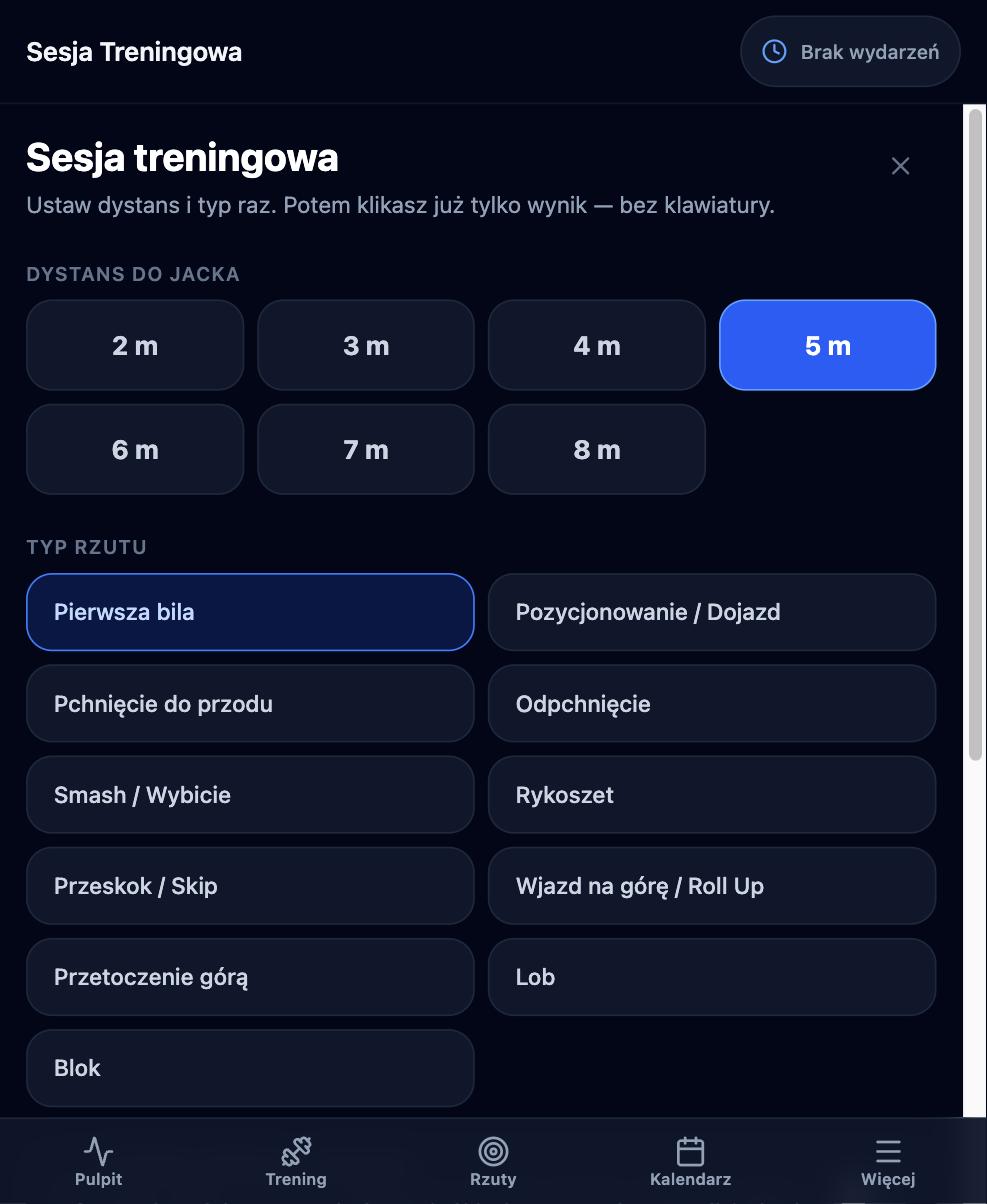
The daily workhorse is the Training Session module. You set the distance to the jack once, anywhere from 2 to 8 m, and pick one of eleven shot types: first ball, positioning, push, push-off, smash, ricochet, skip, roll up, roll over the top, lob and block. After that you only tap the result.
Two features stand out. The first is variable practice, which randomises distance and shot type on every throw — harder in training, better transfer to a match. The second is a large-button mode: five full-width fields, operable with one finger or with a switch in scanning mode. That is a design decision made by someone who plays BC3, not by a marketing department.
Shot Log and Heatmap: what a boccia training app measures
The Shot Log stores every throw and shows two headline numbers: total throws and mean deviation across your last twenty. Filters by shot type let you look at smashes alone, or positioning alone.
The Heatmap is the most interesting module in the whole boccia training app. It plots landing points in two dimensions: the Y axis is distance from the throwing line, the X axis is position relative to the sideline. Point colour follows total deviation, calculated as the square root of longitudinal plus lateral deviation squared, in bands of up to 15 cm, 16–30, 31–60, 61–100 and over 100 cm.
You can filter by ball (1–6), by distance — short under 5 m, medium 5–7 m, long over 7 m — and by period: 7, 30 or 90 days. The app flags strong zones, where mean deviation stays under 30 cm, and weak zones, where it exceeds 60 cm. A separate bar chart breaks deviation down by distance band, from under 3 m up to 11 m and beyond.
One practical note: if deviation varies oddly between balls from the same set, check the equipment before you blame your technique. Our guide on choosing boccia balls covers hardness and how it behaves on different floors.
BC3 tools: ramp calibration and ballistic calculator
This is where a boccia training app goes beyond any general-purpose sports diary. Ramp Calibration stores settings per venue: angle, extension and ball hardness. Playing in three halls with different floors means three saved profiles instead of one averaged compromise.
The Ballistic Calculator is simpler and smarter still. For each ball from 1 to 6 you collect measurements in one format: release point on the ramp scale in centimetres, and the resulting flight distance in metres. After two measurements from different release points the calculator activates and tells you which point to release from for a given distance.
That converts intuition into a table. For a BC3 athlete working with an assistant it is the fastest route to repeatability — provided the ramp is clean and stable, which is a separate discipline described in our guide on cleaning boccia ramps.
Eight-week plan, Drill Builder and 200+ BC1–BC4 drills
A boccia training app does not have to be only a diary — this one ships a full programme. The drill library holds more than 200 exercises split across four classes: BC1, BC2, BC3 and BC4. A Coach plan adds squad management for 2 to 8 athletes, so the tool works for a club and not only for a single player.
The 8-Week Plan is a ready tournament build-up. Week 1 covers ramp calibration and distance mapping, week 3 energy transfer and smashes, week 4 time pressure, week 6 routine resilience, week 7 tournament simulations, week 8 start readiness. Every day breaks into 15-minute blocks and the app highlights the active block in real time.
The detail that gives away a practitioner: each block carries separate instructions for the athlete and for the ramp assistant — down to locking the wheelchair brakes and setting the pointer to the position you saved last time. You add your own drills through Drill Builder and share them with clubmates via a code.
Match day: tracker, Clutch Play, Opponent Intel
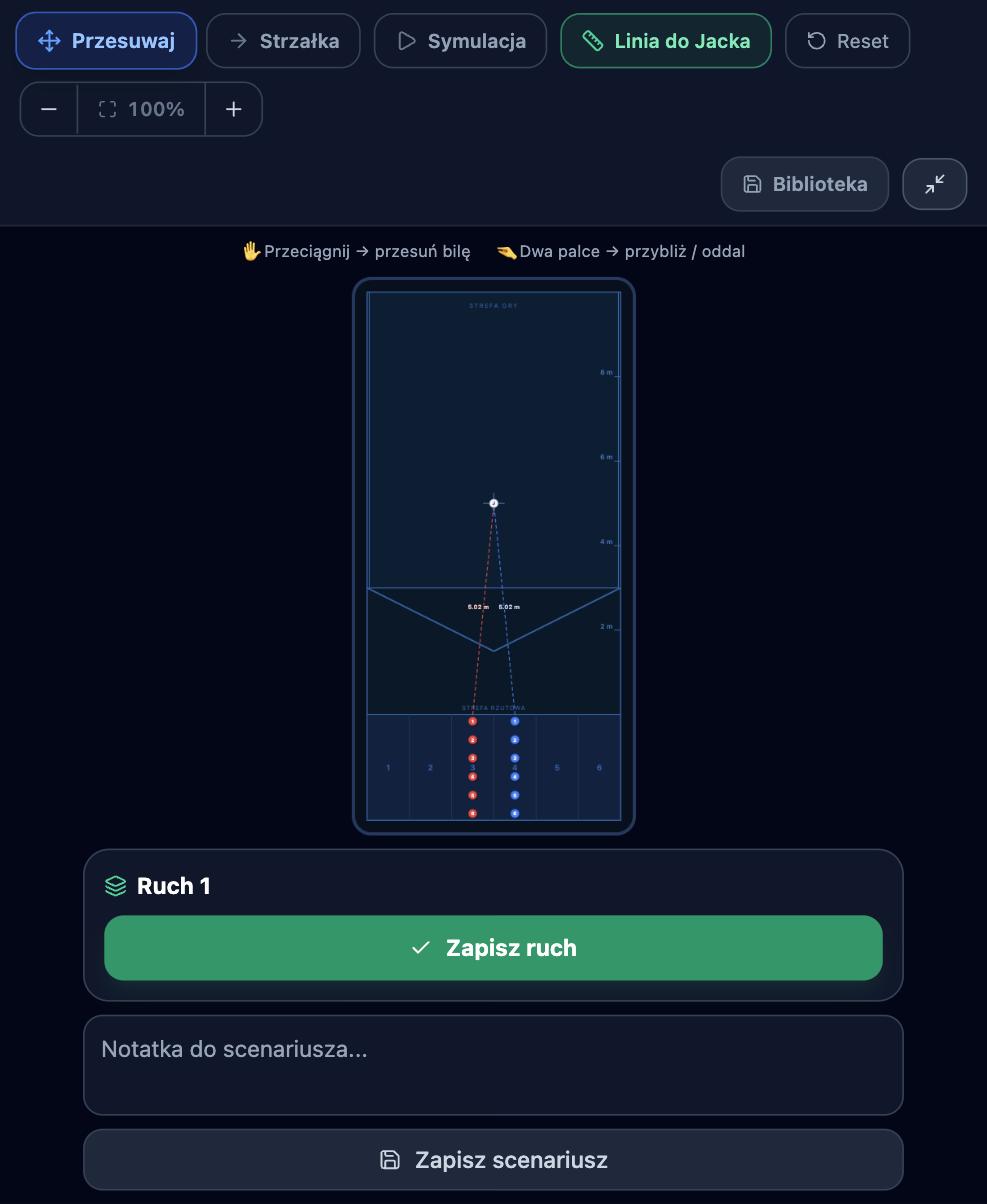
On competition day the boccia training app changes role. The Match Tracker runs the game end by end, the Timer handles match clocks including time penalties, and the Tactical Board lets you arrange balls by drag and drop on an SVG court.
Once a match is finished it flows automatically into Clutch Play. There, effectiveness is calculated against the temperature of the moment: the end, the score line and tie-breaks. A five-point rating converts to percentages — very poor 20%, poor 40%, average 60%, good 80%, very good 100% — and training is compared with matches. If you shoot 80% in practice and 45% at 3-3 in the fifth end, you know what to train, and it is not technique.
Opponent Intel is a database of rivals with strengths, weaknesses and a pre-match report. Rules, classification and competition regulations still come from the source, World Boccia.
Wellness Check: when to cut the volume
A boccia training app should also measure what happens away from the court. Wellness Check is built on the Hooper Index: five readiness dimensions on a 1–7 scale where lower is better. Five sliders, about a minute of work. A Health Diary, Mental Power module and a Goals and Challenges section sit alongside it.
The logic is mundane. After two nights of four hours of sleep, a full-volume smash session rarely makes sense. The app will not decide for you, but it hands you a number that is harder to ignore than the inner voice saying you will be fine.
Notebook or a boccia training app?
| What you want to know | Notebook | Boccia ProTrainer |
|---|---|---|
| How many throws I made | yes | yes |
| Mean deviation over last 20 throws | manual maths | automatic |
| Landing distribution on court | no | 2D heatmap |
| Tie-break accuracy vs training accuracy | no | Clutch Play |
| Ramp settings per venue | a scribbled note | venue profile |
| Release point for a target distance | guesswork | calculator from your own data |
| Report for the coach | photo of a page | PDF export |
How to start with a boccia training app in 15 minutes
- Open the app and pick your language — the interface runs in English and Polish, with font-size control and a light or dark theme.
- Log one session at a single distance, at least 5 throws. After three sessions you unlock the first full analysis.
- Fill in Wellness Check. It takes a minute and builds the baseline everything else compares against.
- BC3 players: add a venue in Ramp Calibration and collect two measurements per ball in the Ballistic Calculator.
- Drop two sessions into the calendar for the coming week. The dashboard will remind you and count down.
Data syncs to the cloud, so the phone in the hall and the laptop at home show the same numbers, and coach reports export to PDF.
What it will not do for you
Honestly: no boccia training app will fix a throw if the equipment is wrong. Balls of unsuitable hardness, a loose ramp, a worn strap — those are physical problems solved in a workshop, not on a screen.
It will not measure deviation for you either. Someone has to read the distance from the jack and enter it consistently, the same way every time. Garbage in, garbage out applies to sports analytics as much as anywhere else.
And it replaces neither a coach nor an assistant. It organises the information both of them work with. Equipment for the training itself — balls, ramps, courts and referee tools — is in our boccia category.
FAQ
Does the boccia training app cover every class?
Yes. The drill library is split into BC1, BC2, BC3 and BC4, while the ramp modules — calibration, ballistic calculator and the operator protocol — are built specifically for BC3 athletes.
How much does a boccia training app cost and can I test it first?
There is a 14-day free trial. Access and current pricing are on the Boccia ProTrainer product page.
Do I need a computer or is a phone enough?
A phone or tablet with a browser is enough. The app is web-based and syncs across devices, and the large-button mode was designed for one-finger and switch access.
Can my coach see my data?
The Coach plan manages a squad of 2 to 8 athletes, and individual reports go to a coach as a PDF export.
How many throws before the numbers mean anything?
The first analysis appears after three sessions of at least five throws. A meaningful heatmap starts at a few dozen throws per distance — that is when zones emerge instead of noise.
Summary
If you play boccia at league or national level, a boccia training app is what power meters were to cycling a decade ago: it does not create form, it shows you where to look for it. Boccia ProTrainer stands out because it was built inside the sport — hence switch access, venue profiles and instructions written for the ramp assistant.
You can open it at app.bocciaprotrainer.com, and handle access or the trial on the product page. We ship boccia equipment across Europe and beyond.
Polecane produkty
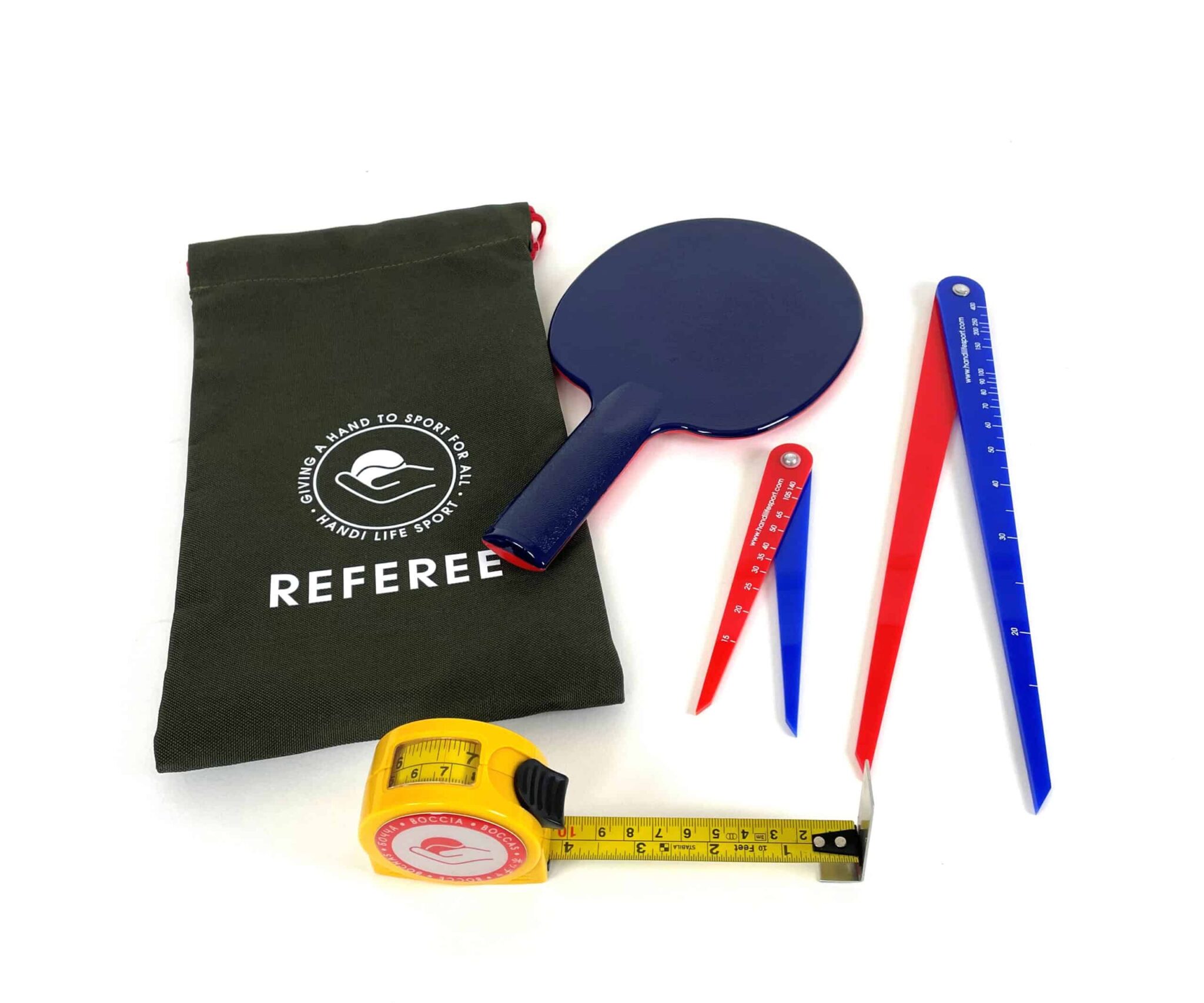 Kompletny zestaw sędziego do boccii – paletka, miarka, 2 cyrkle, torba (Complete Referee Kit)344 złZobacz produkt →
 Skarpetki bawełniane I love boccia – czerwone i niebieskie, rozmiar 39-42 lub 43-4619,5 złZobacz produkt →
 Plecak na bile do boccii Prolimpic MasterPack Paryż 2024 – OUTLET149 złZobacz produkt →
Czytaj także
🛒 Sprzęt do boccii polecany do tego poradnika
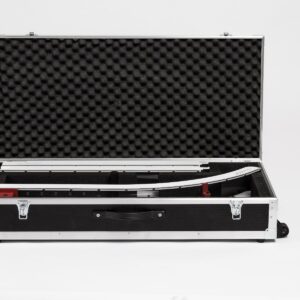 Case na rampę do boccii Prolimpic Mustang / Rhino / T-Rex Pierwotna cena wynosiła: 1 590,00 zł.1 558,20 złAktualna cena wynosi: 1 558,20 zł.
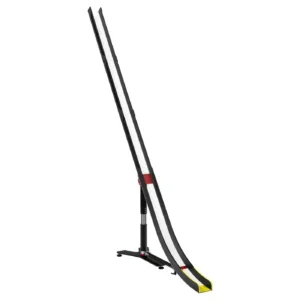 Rampa do boccii Prolimpic T-Rex – rampa paralimpijska BC317 900,00 zł
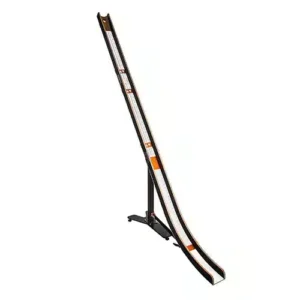 Rhino Ramp – profesjonalna rampa do gry w boccie od Prolimpic Pierwotna cena wynosiła: 5 300,00 zł.4 500,00 złAktualna cena wynosi: 4 500,00 zł.
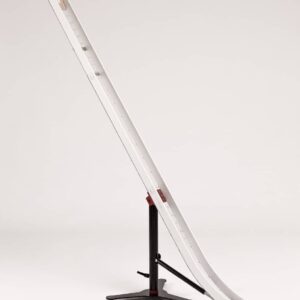 Rampa do boccii Prolimpic Mustang LX2 – rynna BC3 Pierwotna cena wynosiła: 13 900,00 zł.10 900,00 złAktualna cena wynosi: 10 900,00 zł.

Dodaj komentarz